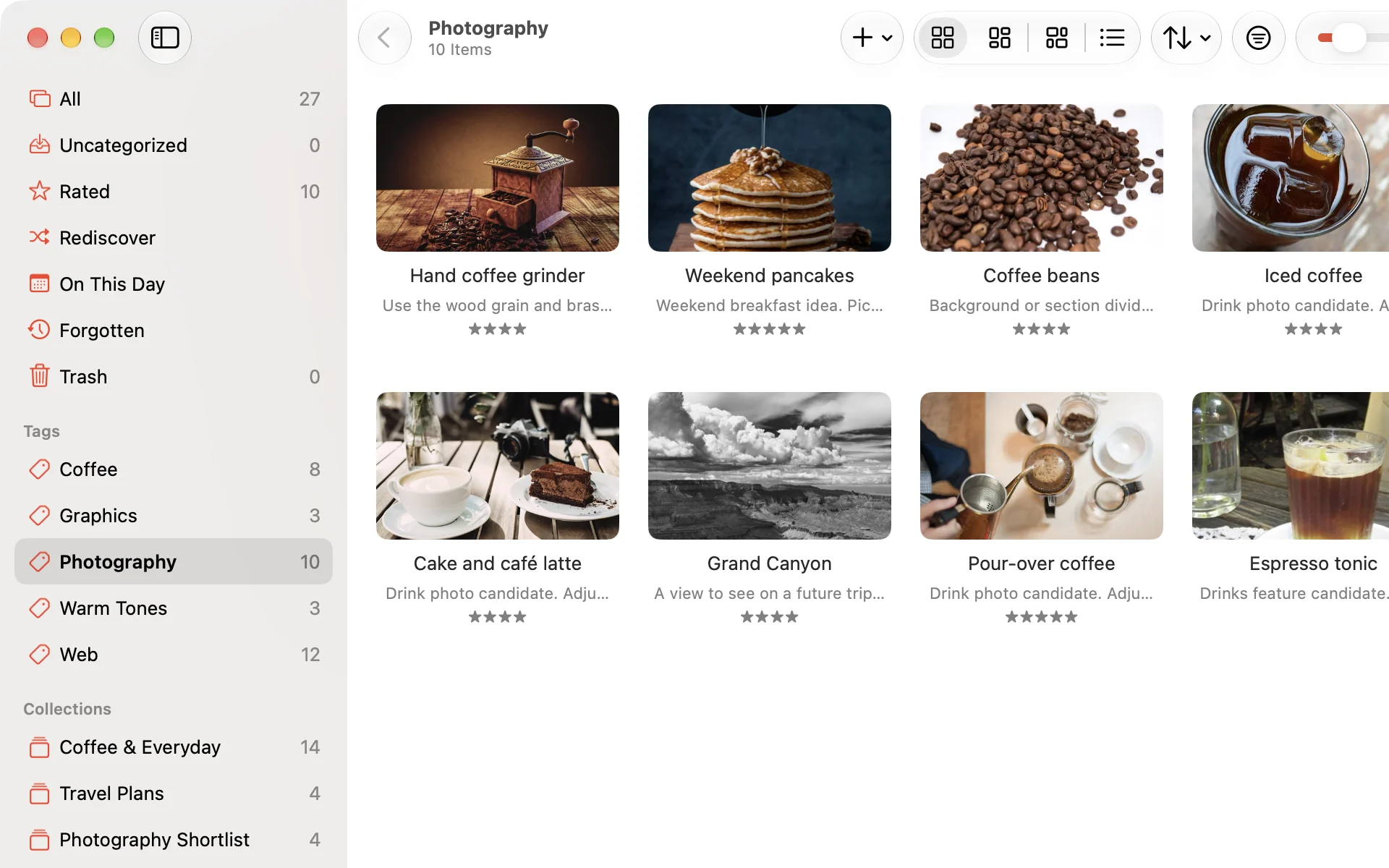
Sort items with tags
Tag images and web pages, then choose a tag in the sidebar to see every item that has it. An item can have more than one tag.
 Crabwise
Crabwise is a visual bookmark app for Mac. Keep the images you collect for design reference, articles to read later, and PDFs in one place.

macOS 15 or later · Free for 30 days
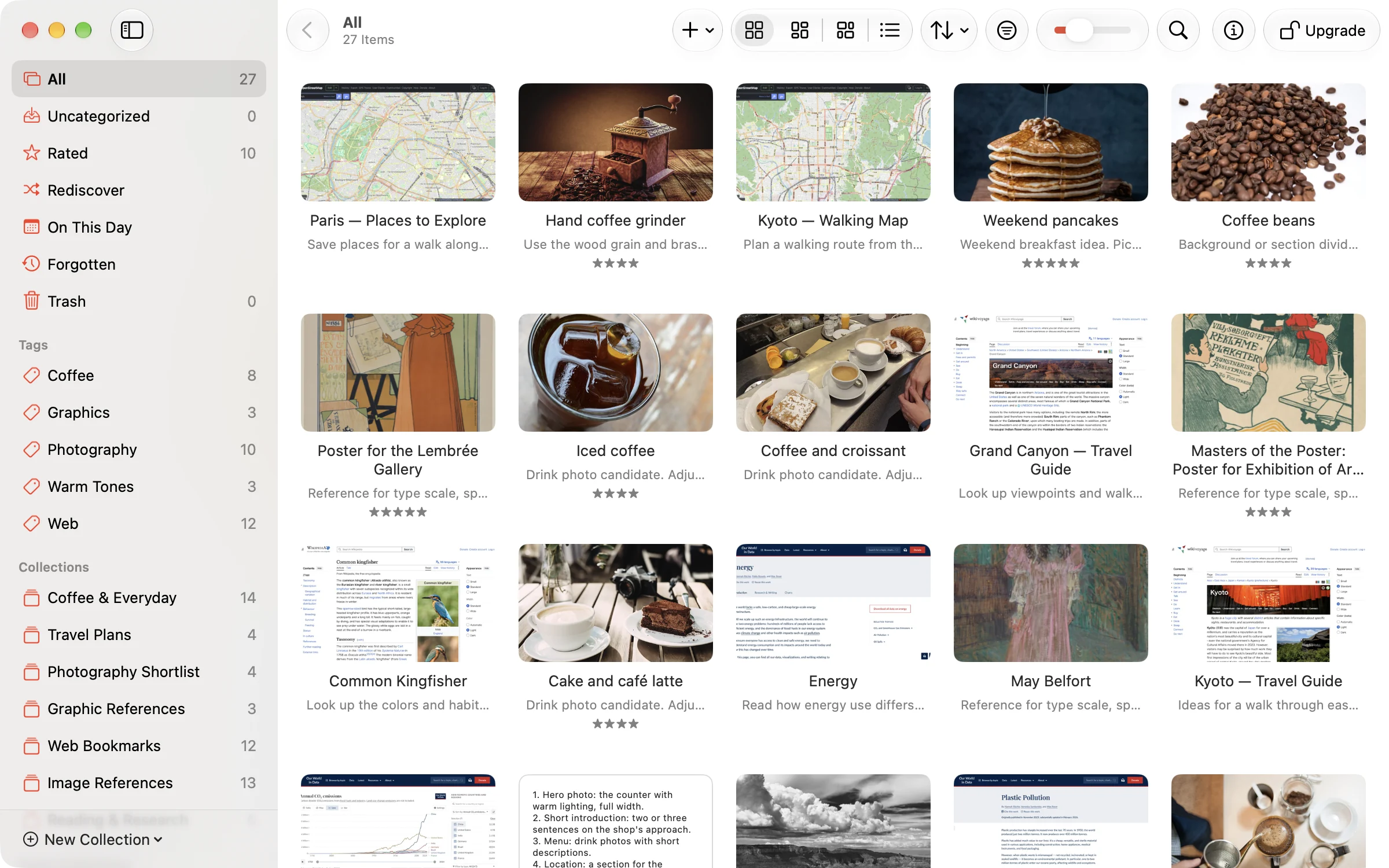
Tag images and web pages, then choose a tag in the sidebar to see every item that has it. An item can have more than one tag.
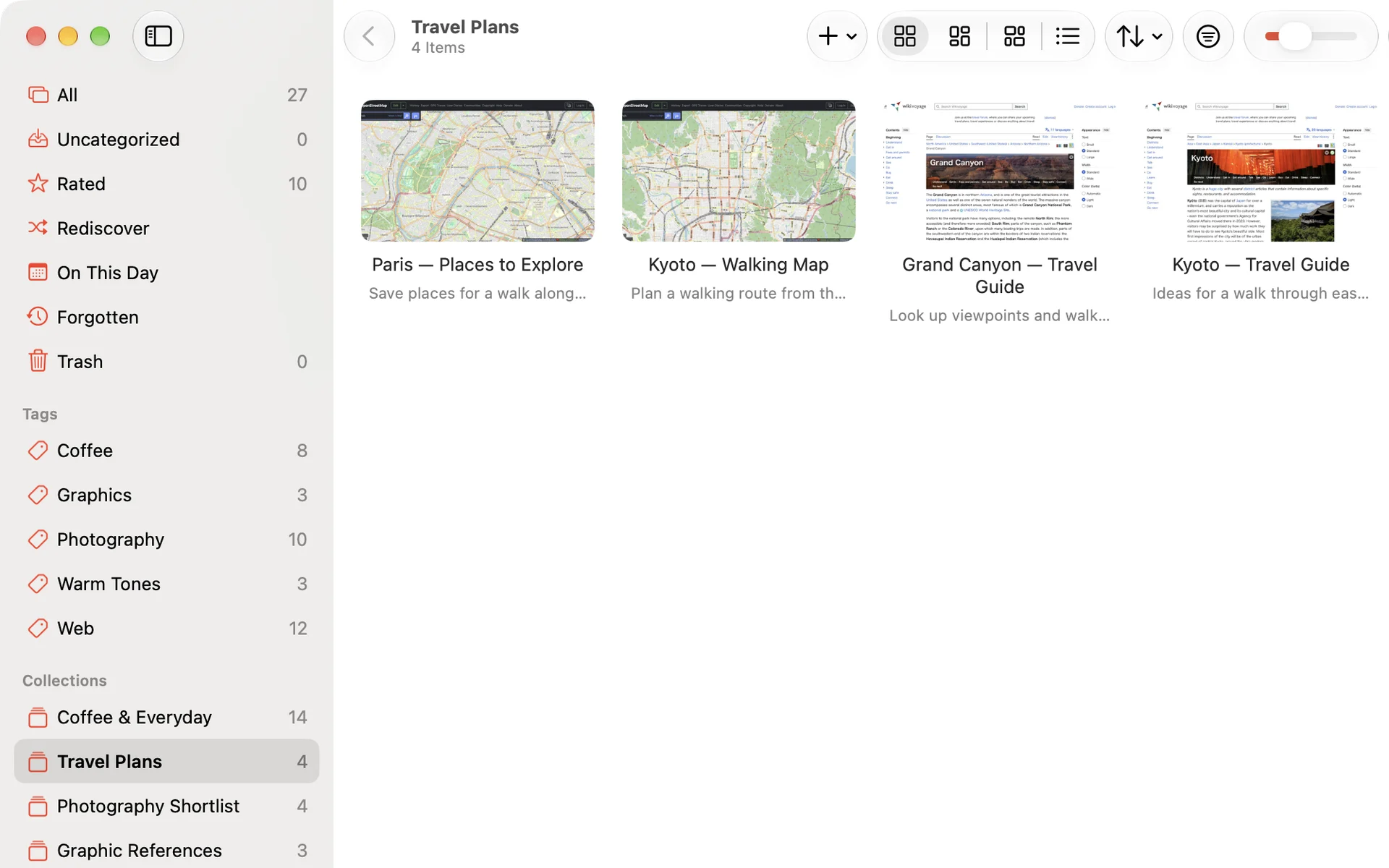
Make a collection for a trip or a project and keep everything related to it together. You can also put the same item in more than one collection.
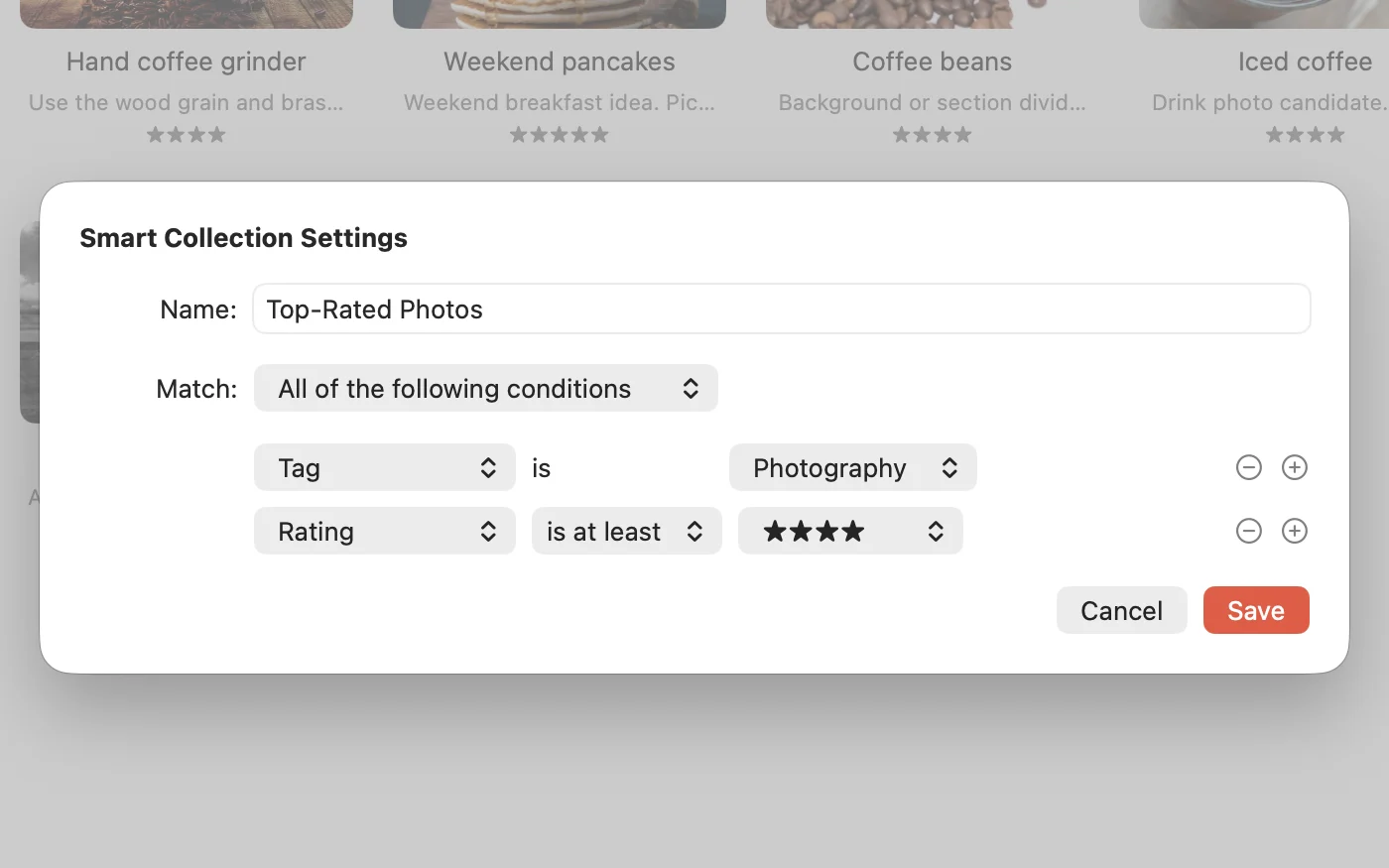
Give a Smart Collection rules such as “Tag is Photography” and “Rating is at least four stars,” and it lists only the items that match. Items you add later join it when they match.
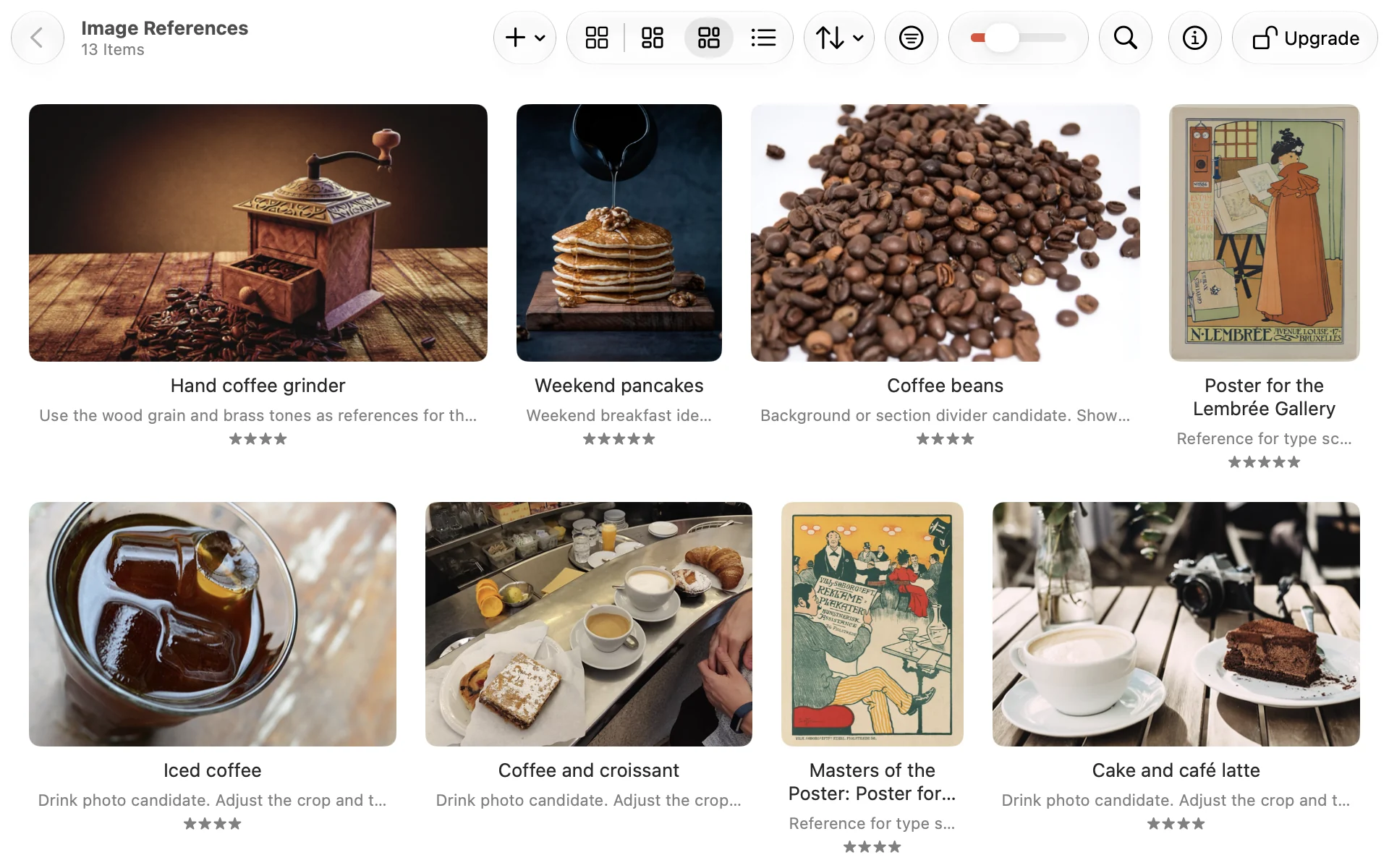
Justified view fills each row with images without cropping them. You can also switch to Grid or List view.
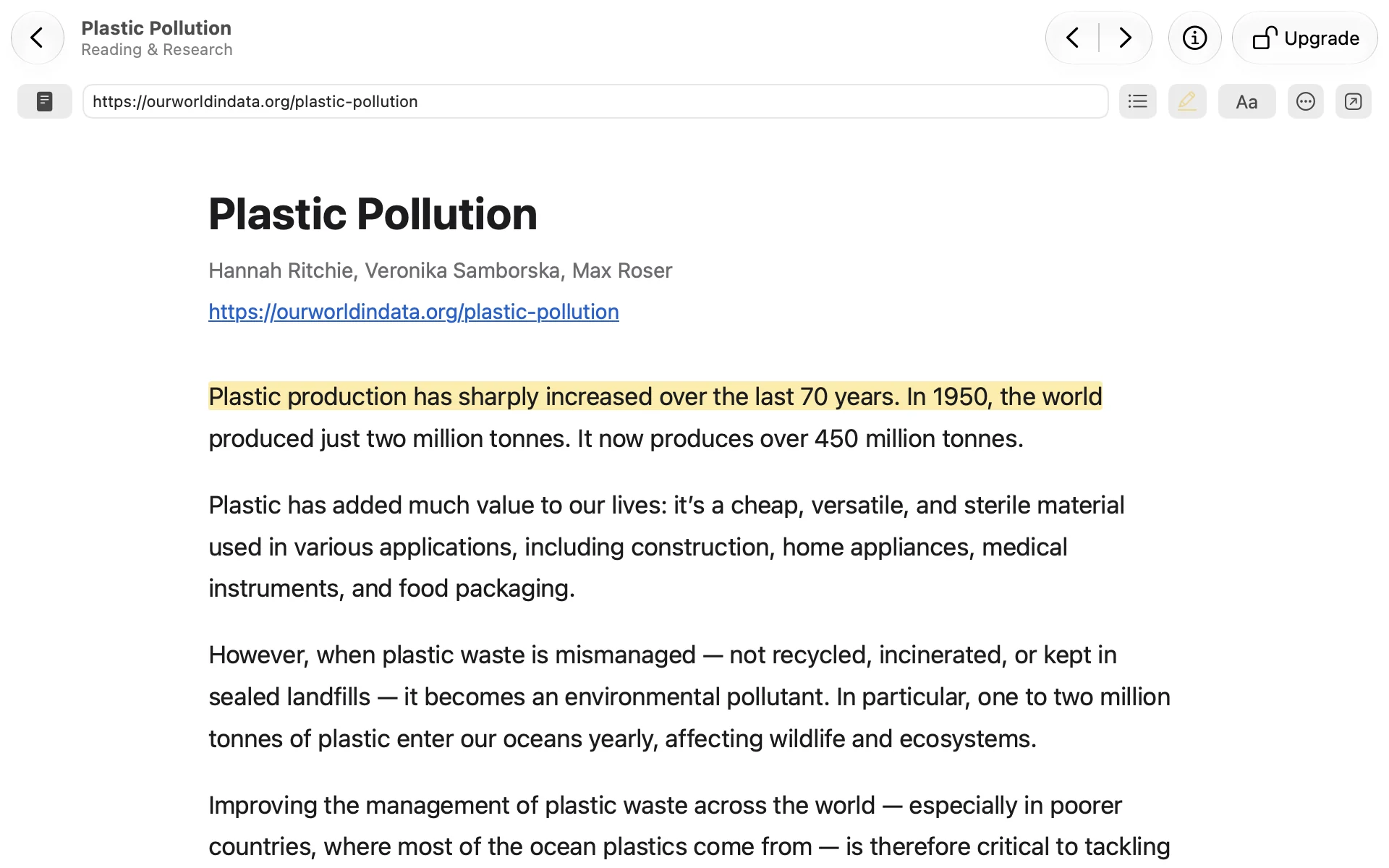
When you save an article, Crabwise keeps a copy of its text, so you can read it in Reader without a connection. You can also highlight passages as you read.
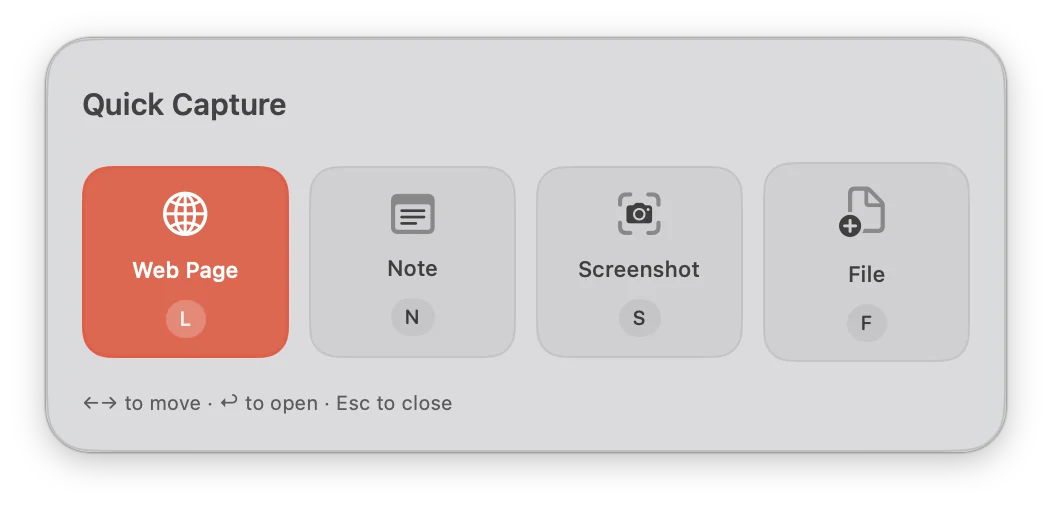
Press ⌃⌘C while you work in another app to open Quick Capture and save without switching to Crabwise. A URL you copied is already filled in when you choose Web Page.
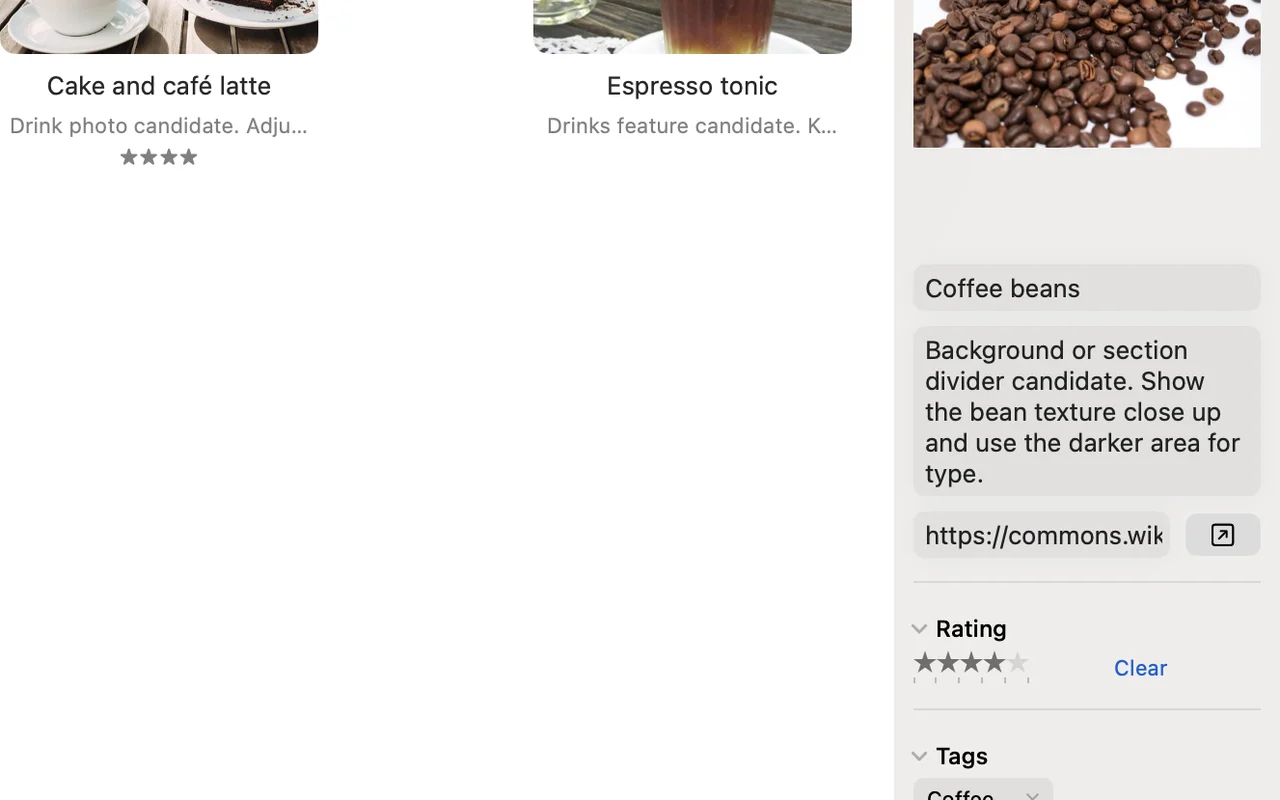
Use the inspector to give each item a note and a star rating. Writing down why you saved something helps you remember how to use it later.
Rediscover shows items you haven’t opened recently, one at a time. It gives you a reason to look again at things you saved and forgot about.

View images and PDFs inside Crabwise. You can play videos too.
Save the page you’re viewing from the Safari toolbar, without leaving Safari.
Automate adding files and web links with the Shortcuts app. It helps when you save things the same way every time.
Find items saved in Crabwise from Mac search and open them.
Search and edit items in your library from Terminal commands or tools that support MCP.
Stack related items into one to keep the list tidy. You can also stack similar images automatically.
See items created on this day of the year, in any year.
See a list of items you haven’t opened in a long time.
Find items that look like the image you choose. Images are compared on your Mac.
Export the highlights you made in Reader as a Markdown file.
Ads and trackers are blocked on web pages you open inside Crabwise.
Put deleted items back from the Trash. You can also undo changes such as editing tags or collections.
Use Crabwise in 14 languages, including English and Japanese.
¥3,900 on the Japan App Store
You won’t be charged automatically when the trial ends. To keep viewing and editing your library, make the in-app purchase.
Prices in other regions appear on the in-app purchase screen.
Try it free for 30 days, then purchase Full Unlock once for ¥3,900 on the Japan App Store; other regions show their price in the app.
There is no automatic charge, but viewing and editing the library require a purchase after the trial.
Choose a folder for the library, or place it in iCloud Drive or Dropbox and open that folder on another Mac.
Crabwise requires macOS 15 or later.
Import Eagle libraries, folders, HTML bookmarks, or Raindrop.io CSV files.
No account is required, and Crabwise does not send library contents or app usage information to the developer. Privacy Policy