Play again without stopping
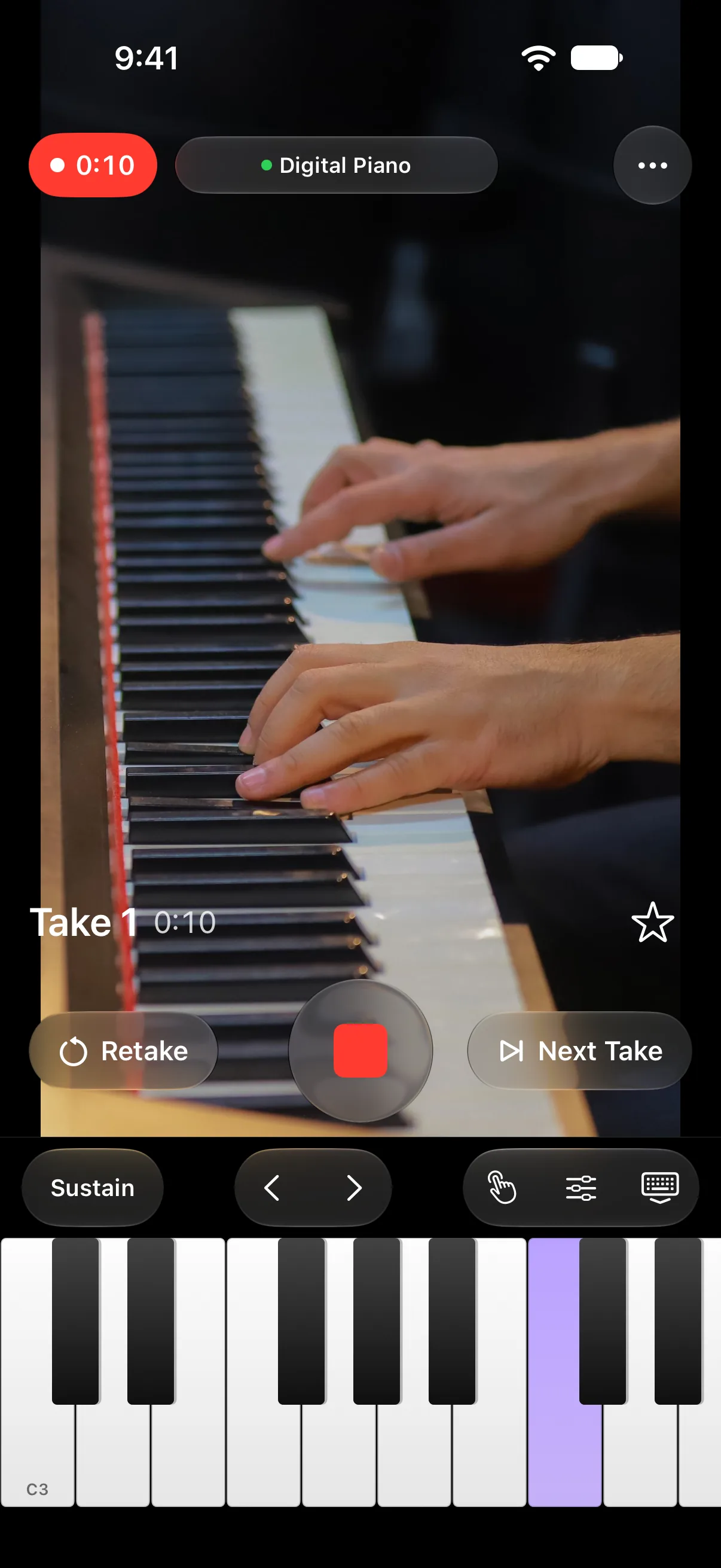
Finish a piece and go straight to the next take. Fumble the opening, and retake it while the camera keeps rolling.
 Goldtake
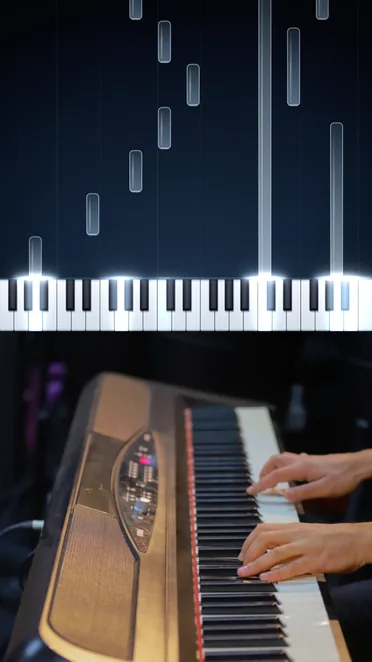
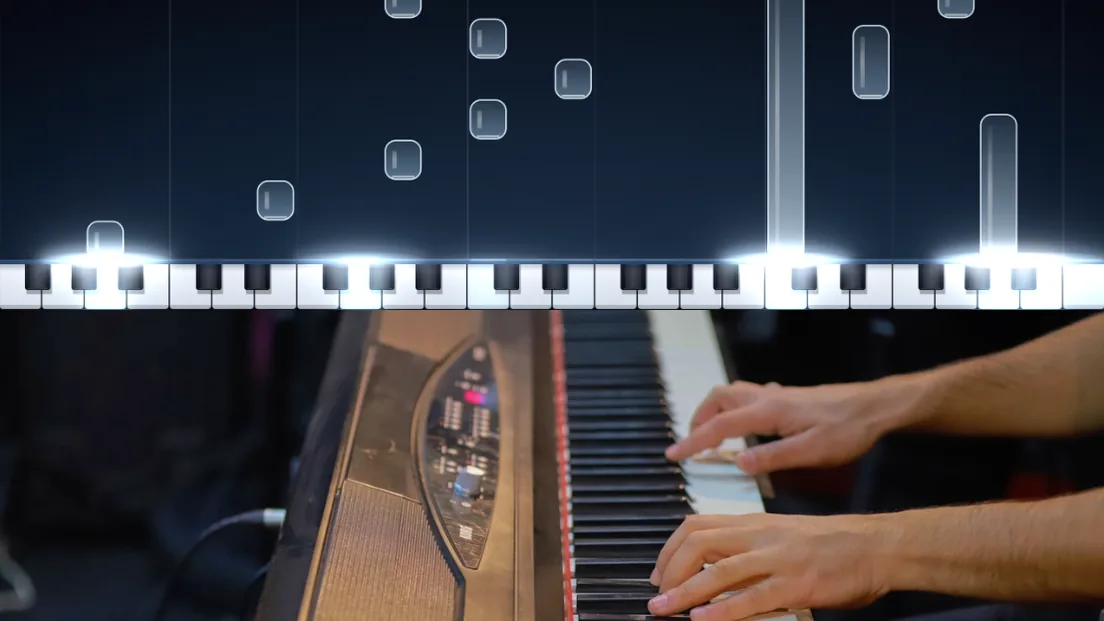
Goldtake is a camera app that films your hands and combines them with a piano roll. Just connect your digital piano to your iPhone and play.
iOS 18.6 or later, iPadOS 18.6 or later. Free to use.
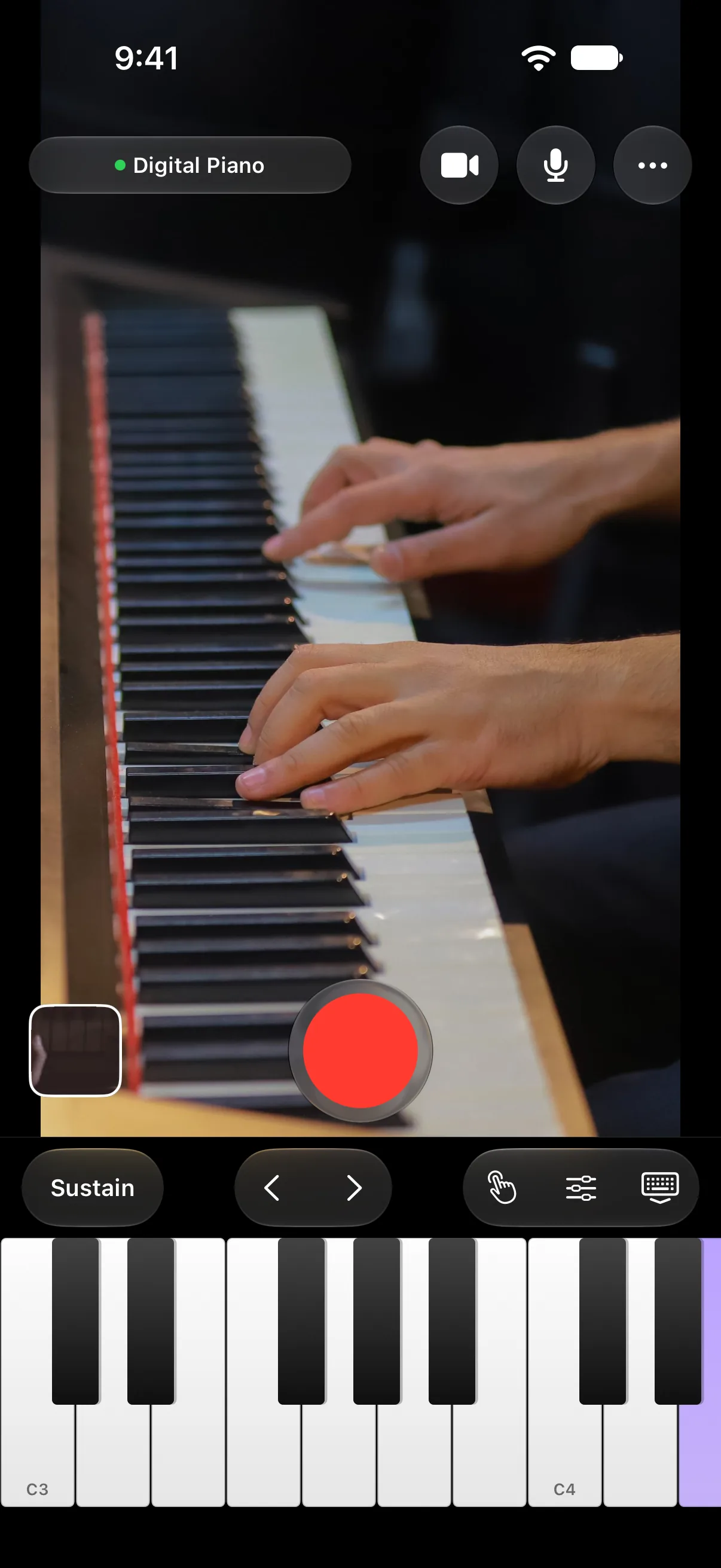
Connect your digital piano and play as you always do.
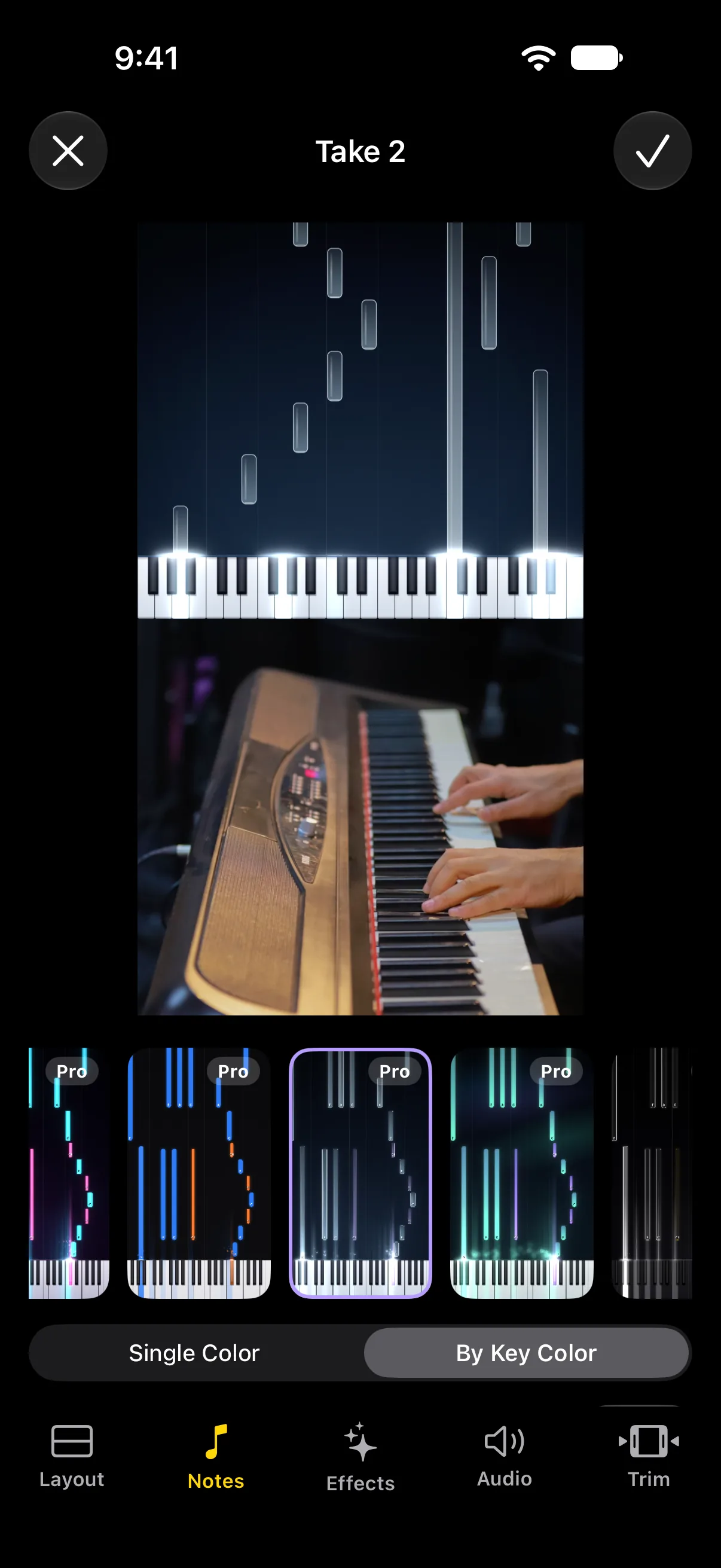
Pick a look, and the piano roll is combined with your video.
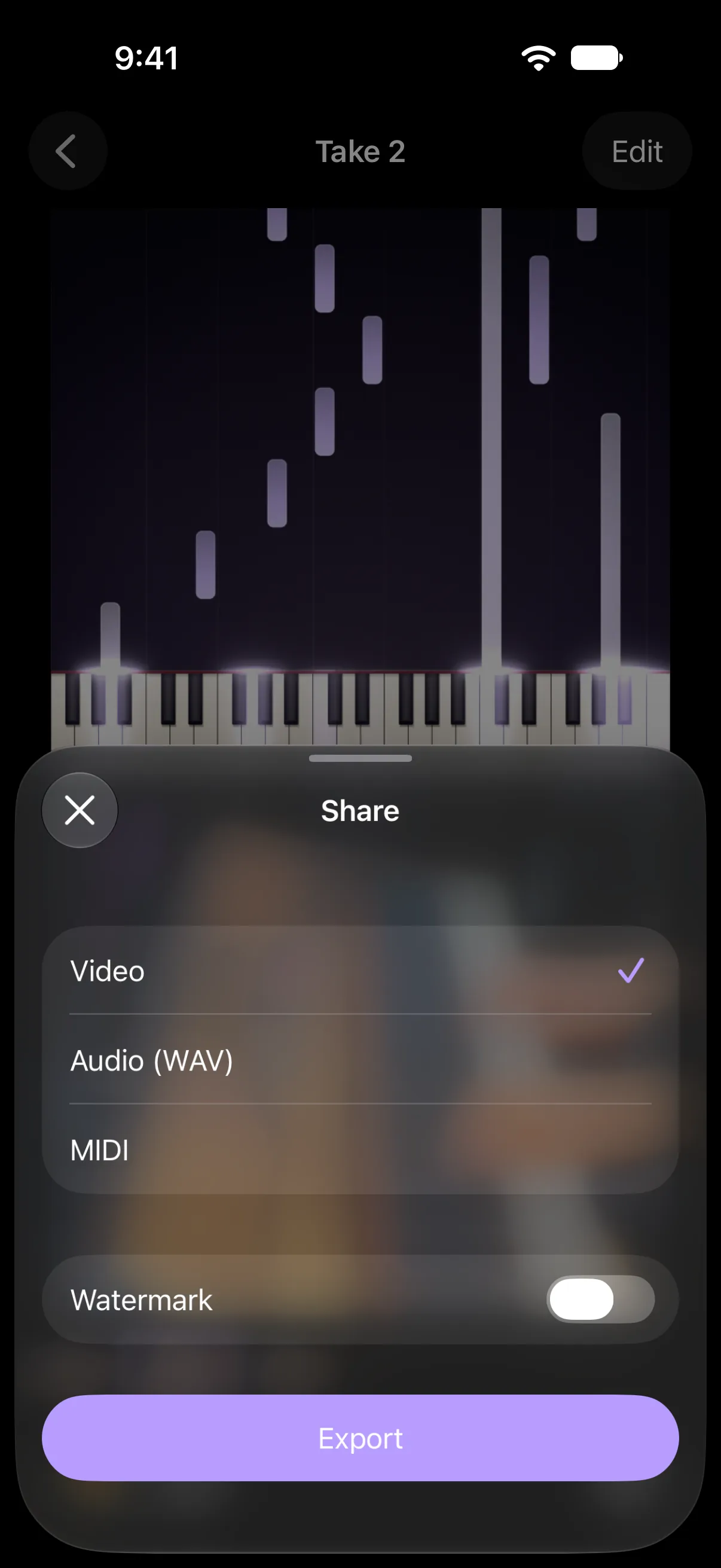
Post the exported video straight to social media.
Connect your digital piano and play as you always do. Finish a take and move on to the next. Fumble the opening and retake it on the spot. With a pedal, your hands never leave the keys.
Finish a piece and go straight to the next take. Fumble the opening, and retake it while the camera keeps rolling.
Connect a supported pedal to start the next take or retake without taking your hands off the keys.
Only the sound of your digital piano goes into the video.
Pick one of 9 looks and add glowing keys or particles. Show note names, or give white and black keys their own colors. Trim the pause before you start and the moments after you finish.
Pick a look that fits the mood of the piece.
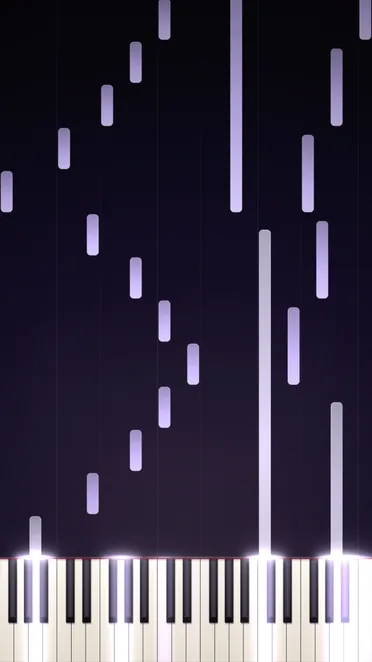
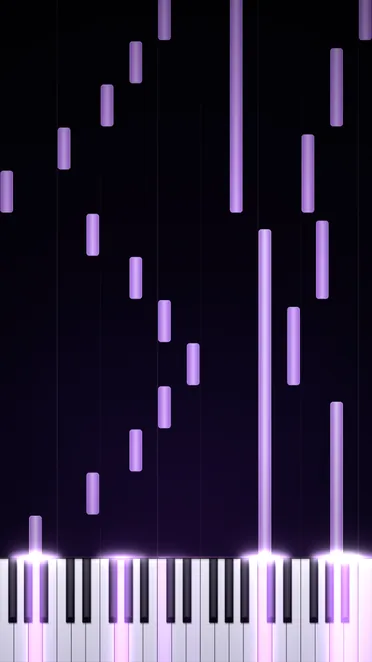
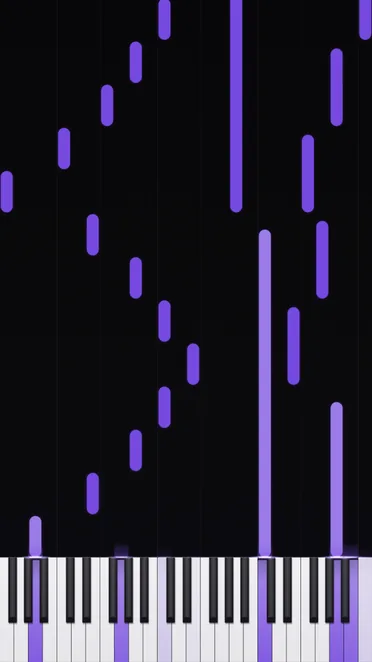
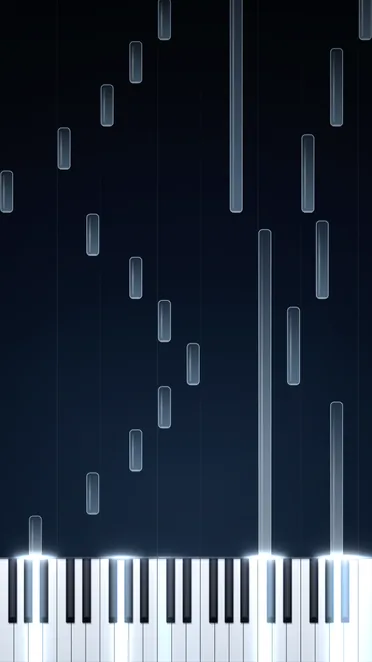
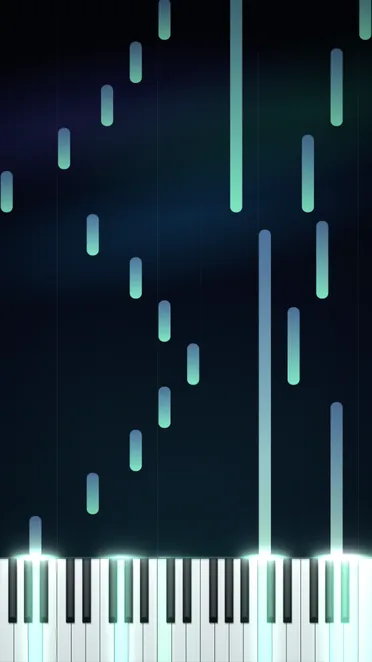
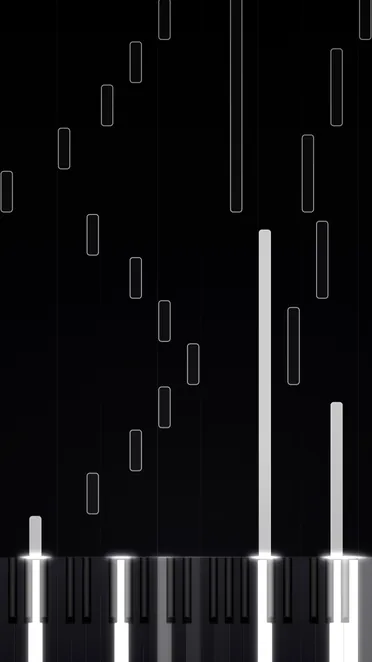
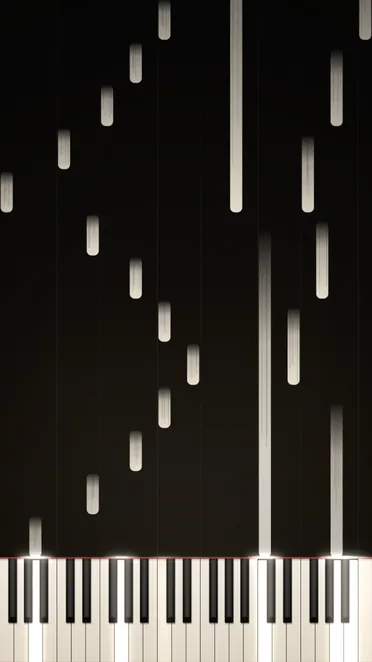
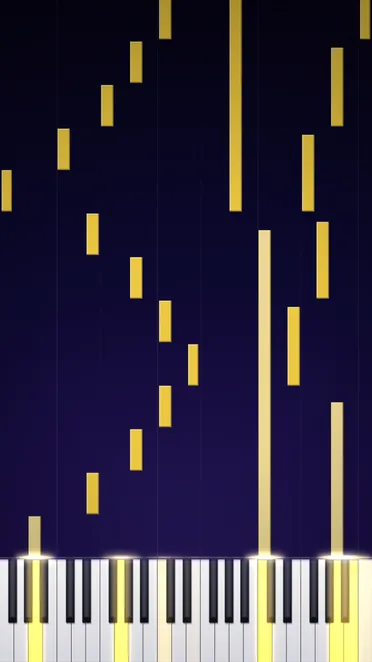
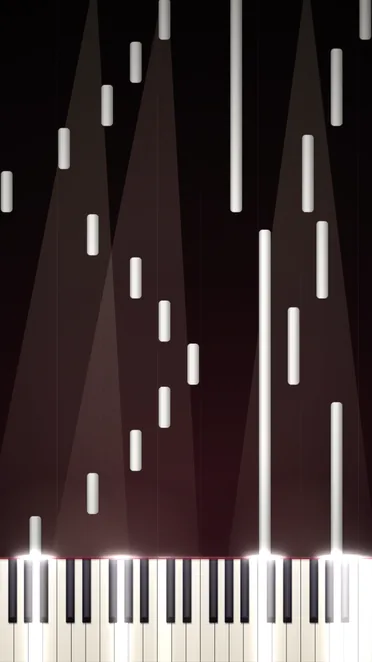
Light up the keys you play and make your performance shine.
Show note names on the piano roll.
Give white keys and black keys their own colors in the piano roll.
Cut the pause before you start and the moments after you finish.
Takes are grouped by the day you recorded them. Star the ones you played well.
Export the video with the piano roll already combined, in portrait or landscape. No need to bring it into a video editor. Audio and MIDI export too, for editing in music production software.
The exported video already has the piano roll combined, so you don't need another video editor.
Export vertical short videos or landscape videos.
Export your playing as audio and MIDI for editing or swapping instruments in music production software.
No MIDI keyboard? Notes you play on the on-screen keyboard still become a piano roll.
Layer the microphone audio on top of the app's piano sound.
Group takes into collections, one for each piece.
Film and edit on iPad just as you do on iPhone.
Use it on the large inner display or on the outer display.
Free
Yearly (7-day free trial), monthly, or a one-time purchase
Prices are shown in the app.
Any digital piano or keyboard with MIDI output.
Use a USB cable or adapter, or connect over Bluetooth MIDI.
You can record, but you won't get a piano roll, because it's drawn from MIDI.
The back wide, back ultra wide, and front cameras. If you connect a USB microphone, Goldtake records with it.
When the 7-day free trial ends, the yearly price is charged automatically. Cancel at least 24 hours before it ends and you won't be charged.
iOS 18.6 or later, iPadOS 18.6 or later.
No. Goldtake doesn't send your videos, performances, or usage to the developer. Privacy Policy